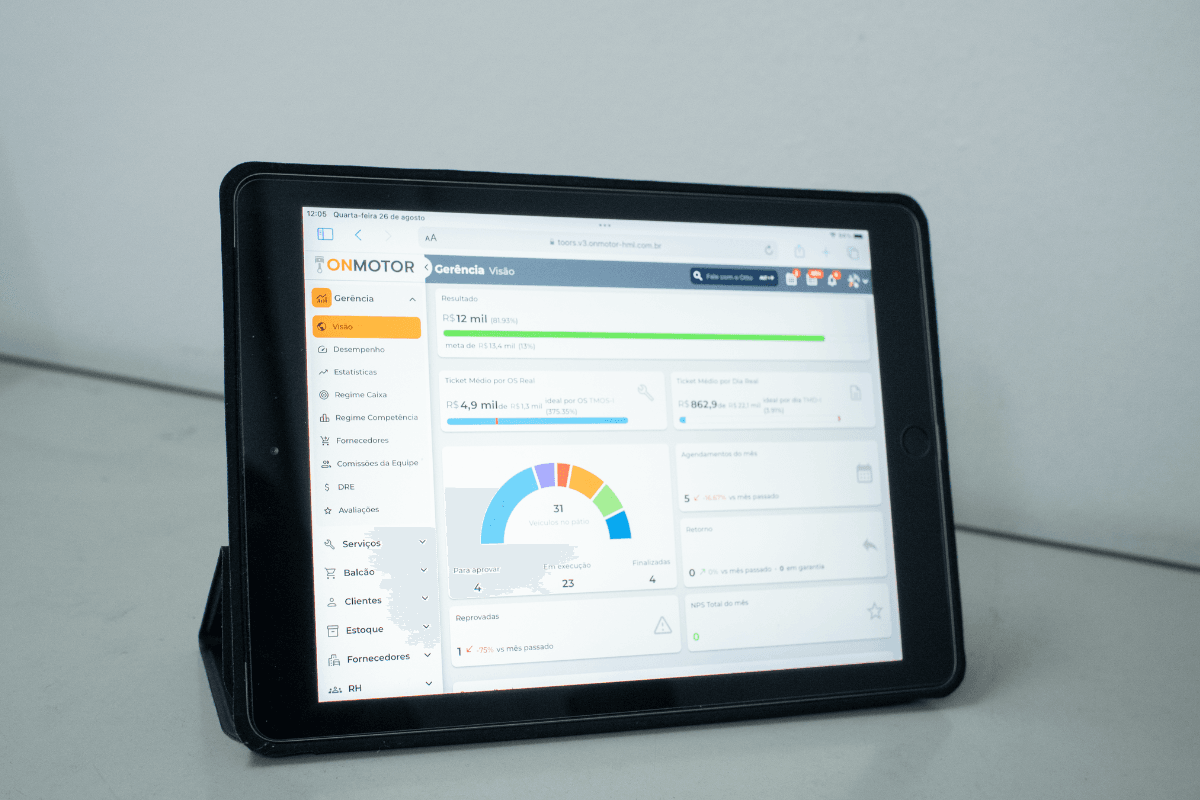
Onmotor plans for managing your auto repair shop
Customer records in a notebook, inventory in the owner's head and invoices issued in a separate program: running an auto repair shop this way eats up time and leaves room for mistakes. A management system solves that fragmentation, but the next question is which plan to choose. The answer depends on the size of the shop and what it needs to control today. Here is how Onmotor's plans are organized and what each one offers.
How Onmotor plans work
Onmotor offers six plans: V1, V2, V6, V8, V10 and V12. The higher the number, the more features the plan includes. Billing can be monthly, semiannual or annual, and the semiannual and annual options can be paid in installments. Current prices and terms are on the full plans and pricing table.
V1
The entry plan is free and covers the essentials for organizing customer service:
- customer and vehicle records
- real-time control
- up to 100 work orders
- sending estimates and printing copies
- support
- a fixed, predefined checklist
- 1 GB of storage for photos and videos.
V2
V2 is the first paid plan. In addition to the V1 features, it includes:
- work orders with no set limit
- scheduled remote training
- unlimited users
- 2 GB of storage for photos and videos.
V6
V6 includes everything in V2, plus:
- a customizable checklist
- supplier records
- WhatsApp integration
- sending estimates from templates
- 3 GB of storage for photos and videos.
V8
V8 expands on V6 with features focused on customer relationships and materials control:
- preventive maintenance
- appointment scheduling
- customer relationship management
- direct mail
- counter sales
- inventory management
- 5 GB of storage for photos and videos.
V10
V10 includes all V8 features and adds:
- charts and reports
- financial control
- 15 GB of storage for photos and videos.
V12
V12 is the most complete plan. On top of everything in V10, it includes:
- parts invoices
- service invoices
- tax receipts
- 30 GB of storage for photos and videos.
How to choose the right plan
A shop just starting to move off paper can try the work order routine on V1. Shops that already have a team and need to manage inventory and customer relationships will find those features from V8 up. If the goal is to track results with reports and financial control, V10 is the way to go, and shops that want to issue invoices within the same system need V12.
Start a free trial
To see the system in practice before you commit, sign up for a free trial. If you have questions about using it, the Onmotor YouTube channel (https://www.youtube.com/channel/UCjgYOewDpv_nmBdCmYMBukw/videos) has how-to videos. Afterward, you choose the plan that makes sense for your car service center software. If you would rather talk first, contact our team.