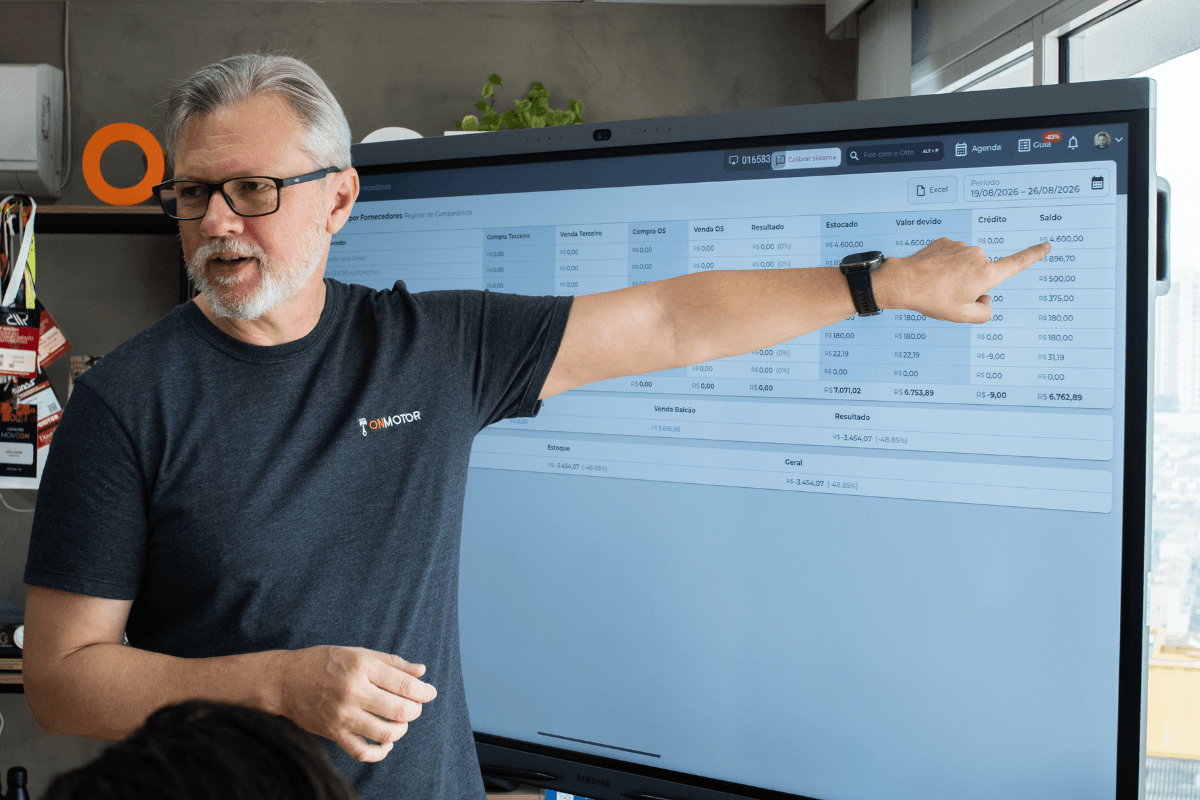
Repair shop financial control: how Onmotor helps
Parts, labor, rent, taxes and other operating costs: a repair shop's bills pile up fast, and it is easy to lose track when everything lives in notebooks and spreadsheets. Specialized software simplifies financial control and shows clearly how much comes in, how much goes out and how much is left. Here is how this kind of system helps and what features Onmotor, a system developed in Brazil, offers.
How specialized software helps with financial control
Running a repair shop involves much more than fixing cars. Financial control is essential to success, and a management system built for the automotive sector makes it easier on several fronts.
Organized billing
The system records every transaction, whether parts sales, repairs or maintenance. It also simplifies issuing notas fiscais (Brazilian electronic invoices) and tracking payments, which prevents errors and late collections.
Payables and receivables
Knowing exactly what is due and what is coming in is the foundation of financial stability. With the system, you record suppliers, rent and other expenses and track what customers owe, so no payment is forgotten.
Financial reports
A management system produces reports with figures such as net profit, margin and cash flow. Those numbers guide decisions to improve the shop's financial health.
Integrated inventory
Well-controlled inventory prevents parts shortages and cash tied up in slow movers. When inventory and finances share the same system, parts costs show up correctly in your results.
Scheduling and jobs
The system also helps schedule services, assign tasks and track job progress. With the shop's capacity well used, efficiency and profitability go up.
Onmotor's financial features
Onmotor is a management system built for automotive businesses such as repair shops, car service centers, body shops, car washes and auto parts stores. For financial control, it offers:
Account balances
Track the balances of your financial accounts, such as bank accounts and the shop's cash drawer, in one place, with a clear view for decision-making.
Payables and receivables
Manage expenses for suppliers, rent and other obligations and monitor what customers owe the shop.
Expense chart by category
See expenses broken down by category and identify where you can save.
Unified transaction list
View all inflows, outflows and transfers in a single list, making any transaction easy to trace.
Accounts organized by category
Create and manage revenue and expense categories to simplify tracking and analysis.
Fees and payment methods
Configure the payment methods you accept and their fees to match the way your shop works.
Multiple locations in one place
Owners of more than one shop can follow the finances of every location, individually or consolidated, through the Redes (Networks) panel, available separately to customers on the V12 plan.
Automatic target tracking
Set revenue targets and follow how far you are from hitting them as the month goes on. The system does the math automatically.
Have questions? Fill out the form below:
[contact-form-7 id="8b36e76"]
Beyond finances, the Onmotor system includes inventory, supplier, work order and invoice management. Talk to our team and see how it can help run your shop.