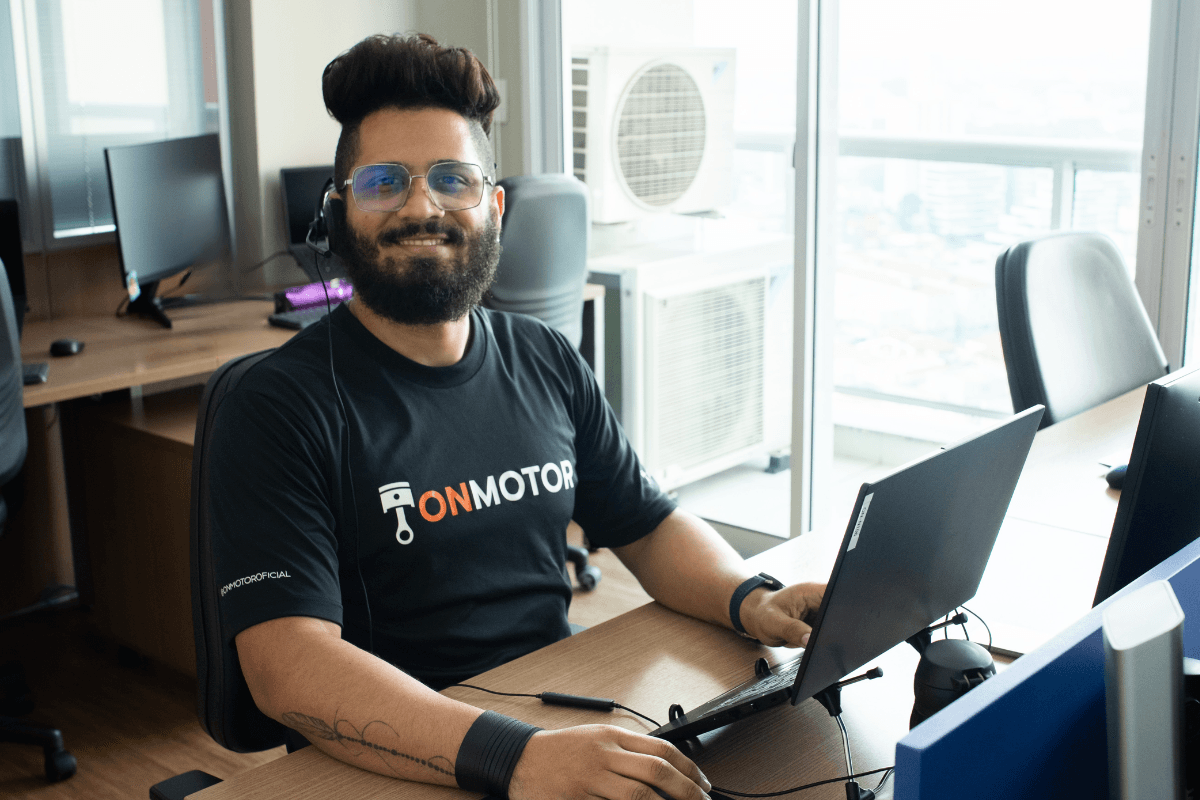
Onmotor system support: how it works
When choosing software for your car service center, features matter, but the help you get when a question comes up matters just as much. A system without support becomes a problem the first time it freezes or an invoice will not go through. Here is how Onmotor system support works and what it includes.
How Onmotor system support works
Support is provided by specialists: technology professionals for questions about how the system works, and experienced system users to guide the shop's routine. It also includes training for customers.
Initial and ongoing training
When you sign up for the auto repair shop software, you and your team receive initial training to learn the system: how to record vehicle information, look up repair history, manage inventory and use the other tools.
There are also periodic training sessions covering new features, updates and best practices. That way, the team keeps getting the most out of the system.
Help with questions and issues
Through the contact channels, users get guidance, answers and solutions to technical or operational issues. Support can also point to reference materials such as manuals and tutorials. Some of the most common topics are:
- pricing services
- post-service follow-up
- job scheduling
- invoice issuing.
Support features
Support is human and available without limits: when customers get in touch, they talk to a person, not a bot. The support team receives regular training and works alongside customers in pursuit of better results.
How to contact support
For questions or help with the system, fill out the form below:
[contact-form-7 id="141"]
Support channels:
- phone: +55 (11) 2649-7495 | +55 (11) 2649-7529
- email: suporte@onmotor.com.br.
You can also reach support through remote access (TeamViewer), directly from the system screen.
What the Onmotor system is
The Onmotor system is auto repair shop software that brings together features such as repair history, custom reports, inventory control, job scheduling, deadline tracking and reminders. With information centralized, the team works faster and customers wait less. To see which businesses can use the system, read who can use the Onmotor system. Talk to our team.